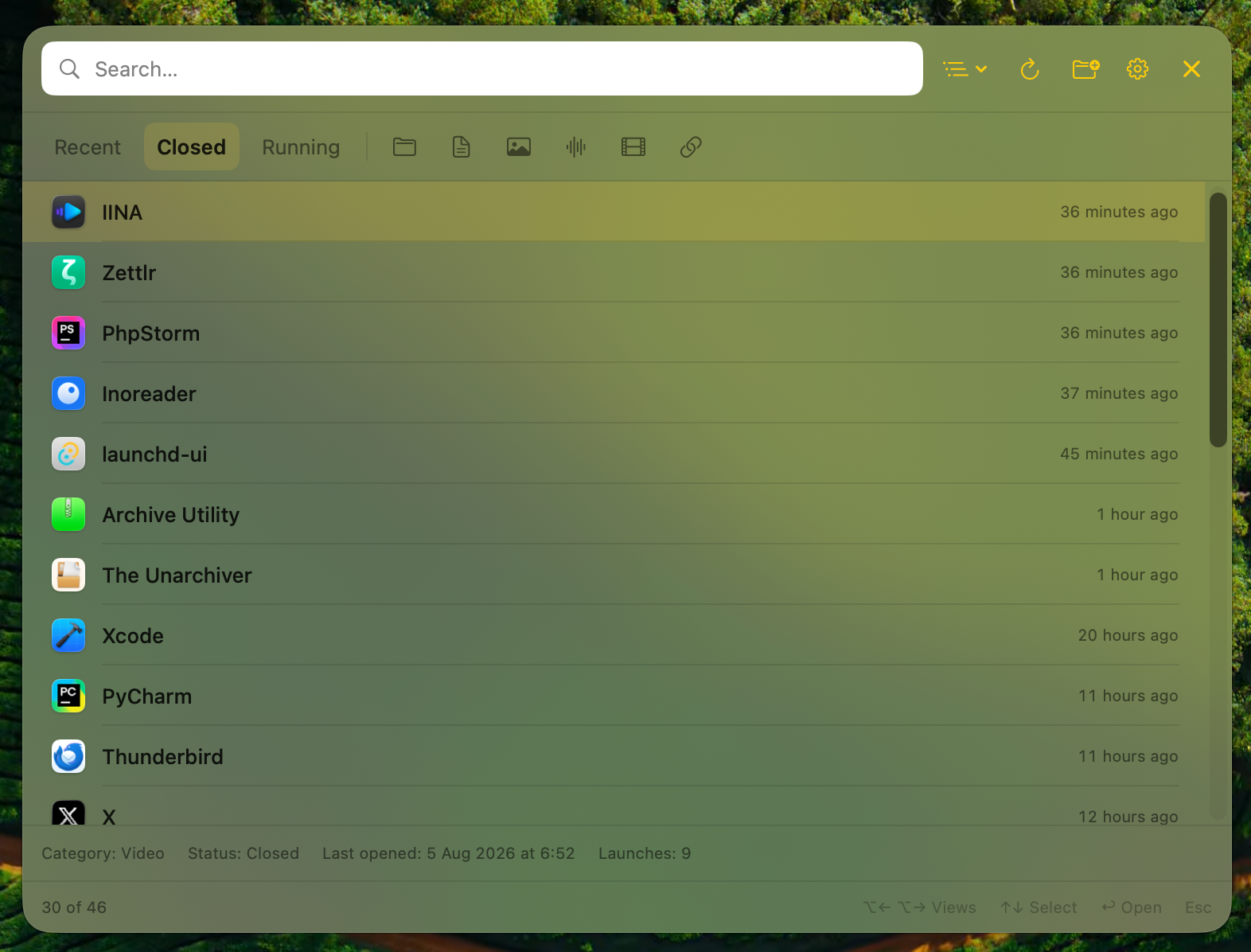
Recent, Closed, Running
Jump between recently used, recently closed and currently running applications without leaving the keyboard.
A fast, lightweight and private macOS utility for reopening recent apps and files you explicitly authorize.

Designed for flow
Applications and authorized files share one fast panel, one search field and one predictable keyboard workflow.
Jump between recently used, recently closed and currently running applications without leaving the keyboard.
Optionally add folders through the macOS picker. lastOpened searches only inside the locations you authorize.
Narrow results by date, category, document type, media format or URL source, then clear everything in one action.
Preview a selected file with the system Quick Look experience before opening it.
Results render progressively in small batches, keeping the panel responsive without rescanning the filesystem.
System language, English, Polish, German, Spanish and French are supported across the complete interface.
One simple loop
The interface is intentionally small. The workflow is intentionally obvious.
Use one global shortcut from anywhere on your Mac.
Start typing, switch views or use the arrow keys.
Reopen the selected app or approved file and continue working.
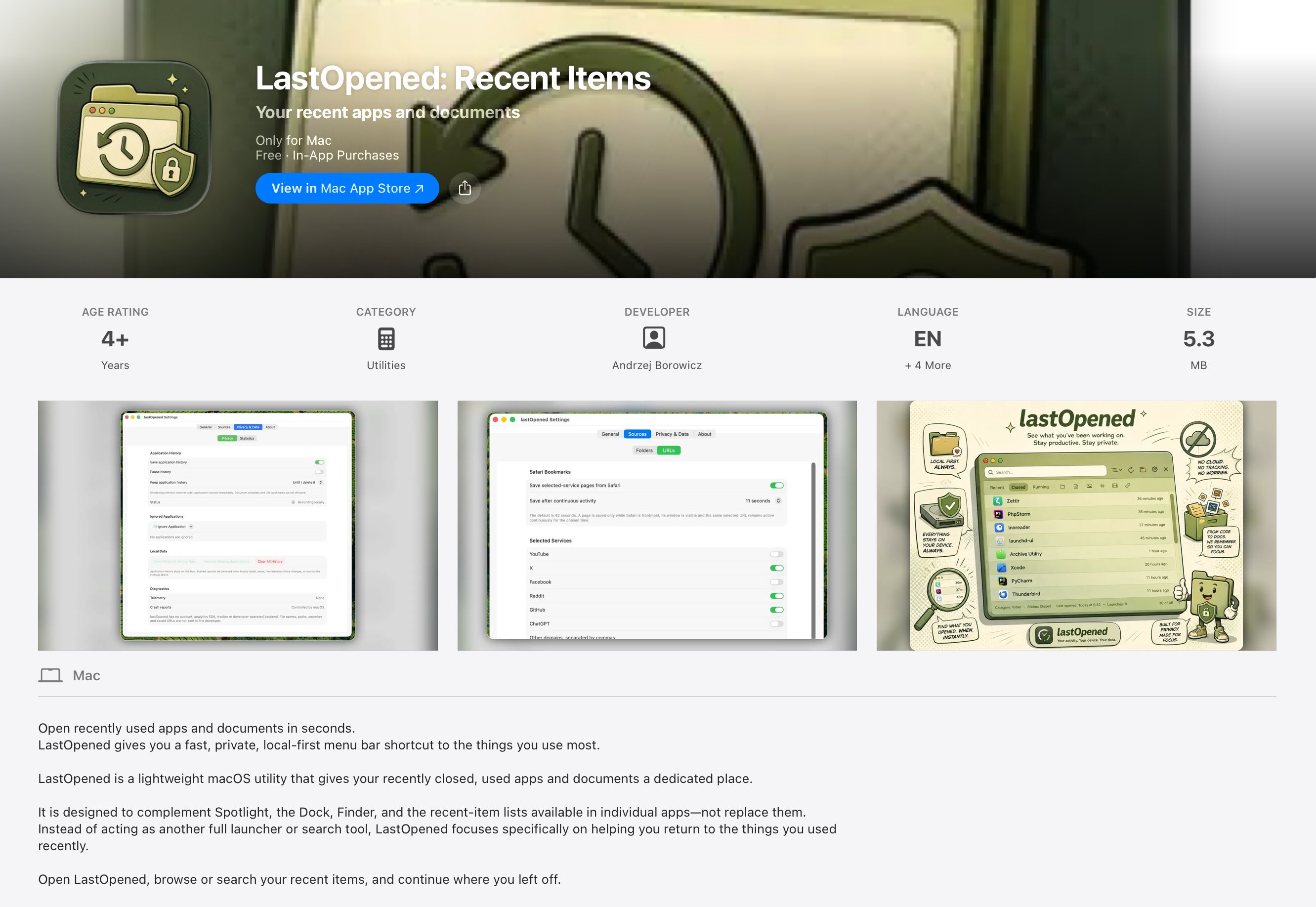
See it in action
After the shortcut flow, the real interface takes over: simple views, useful context and a familiar macOS feel.
Private by design
lastOpened keeps its history, preferences and authorized folder bookmarks inside the App Sandbox container. There is no developer-operated backend.
Coming to macOS
lastOpened is currently going through release-candidate validation. Follow the official account for progress and launch updates.